
The Knowledge Assistant: Your Organization's Memory That Never Forgets
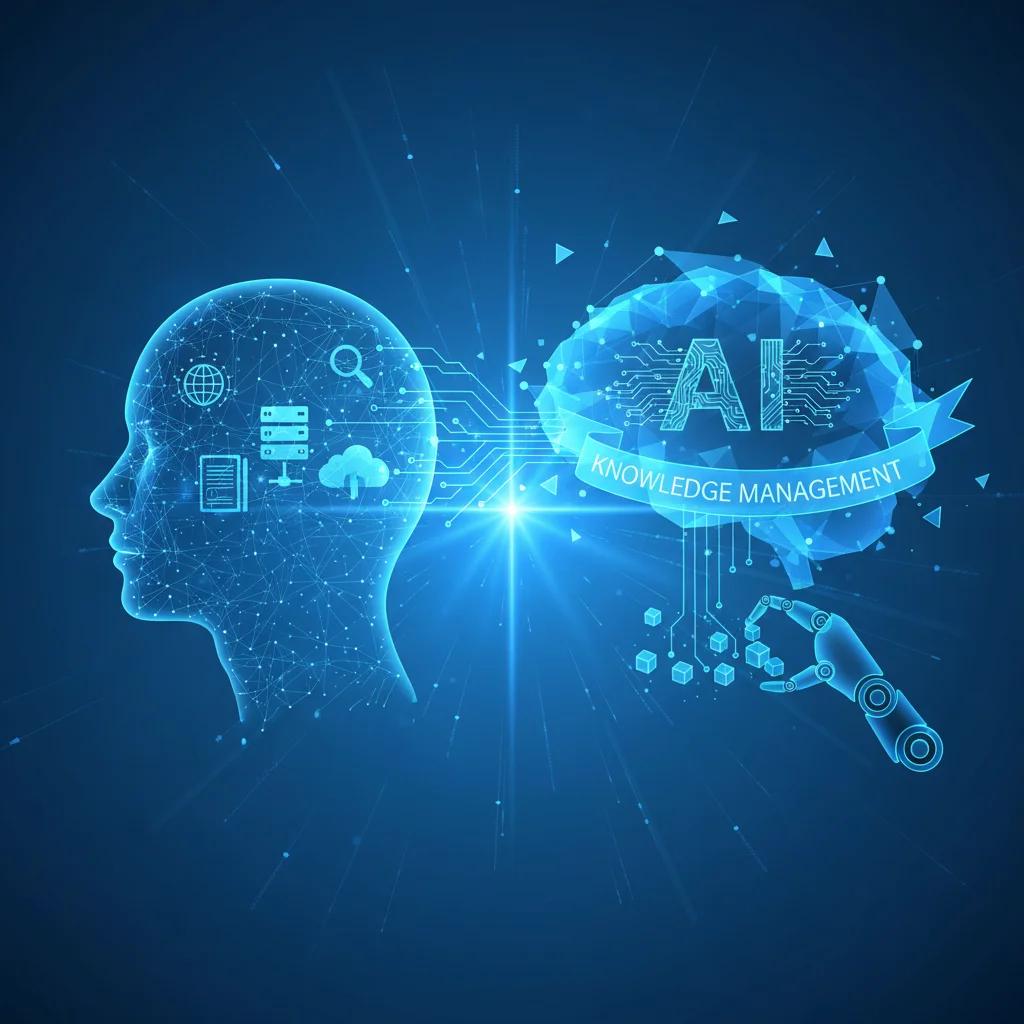
Every employee spends 30+ minutes daily searching for information. The Knowledge Assistant changes that—it indexes, understands, and retrieves what you need in seconds.
The Hidden Productivity Killer
Think about your last work week. How much time did you spend:
- Searching through shared drives for that one document?
- Pinging colleagues to ask "do you know who handles X?"
- Scrolling through years of email threads to find that one decision?
- Asking the same question that's been answered before?
If you're like most enterprise employees, the answer is: more than you'd like to admit.
Research consistently shows that knowledge workers spend 30-50% of their time searching for information. That's not just frustrating—it's a massive drain on productivity and a significant hidden cost in every organization.
Now imagine a different reality: every question answered instantly, every document found in seconds, every piece of organizational knowledge accessible to anyone who needs it. That's the promise of the Knowledge Assistant—your organization's memory, made intelligent.
What Is a Knowledge Assistant?
A Knowledge Assistant is an AI-powered system that understands your organization's accumulated knowledge and makes it instantly searchable and accessible. Unlike traditional keyword search, it understands context, meaning, and intent.
When you ask "what's our policy on remote work reimbursement?", it doesn't just find documents containing those words—it understands what you're asking and delivers the relevant answer, whether it's buried in a policy document, discussed in meeting notes, or explained in an FAQ.
How It Works
1. Intelligent Indexing
The Knowledge Assistant begins by indexing your organization's knowledge sources:
- Document repositories (Google Drive, SharePoint, Dropbox)
- Email archives and Slack conversations
- Project management systems
- CRM and customer interaction logs
- Internal wikis and knowledge bases
- Audio/video recordings of meetings
It doesn't just index content—it understands structure, relationships, and context.
2. Semantic Understanding
When someone asks a question, the system doesn't just match keywords. It understands:
- What the question means (not just what it says)
- Where relevant information might be across your organization
- How to synthesize answers from multiple sources
- What sources to trust based on recency and authority
3. Continuous Learning
The system learns from every interaction:
- Which answers were helpful (and which weren't)
- What follow-up questions people ask
- How organizational knowledge evolves over time
The more your team uses it, the smarter it becomes.
The Business Impact
Organizations that deploy Knowledge Assistants report significant improvements:
Time Savings
- 70% reduction in time spent searching for information
- 50% fewer repeat questions to help desk and colleagues
- Instant answers to common questions that previously required research
Employee Productivity
- New employees reach full productivity 40% faster
- Subject matter experts spend less time answering repetitive questions
- Teams make decisions faster with better information access
Knowledge Retention
- Institutional knowledge preserved even when employees leave
- Best practices discoverable across the organization
- Silos broken down as knowledge flows freely
Beyond Search: Proactive Knowledge
The most valuable Knowledge Assistants don't just respond to questions—they anticipate needs:
- Contextual suggestions: "Based on the project you're working on, you might want to review the Q3 customer feedback analysis"
- Expert identification: "The person who knows most about this topic is [Name]—want me to set up a call?"
- Gaps identification: "This policy hasn't been updated in 18 months—should it be reviewed?"
Real-World Application
Consider a mid-sized professional services firm with 500 employees. Before their Knowledge Assistant:
- Average time to find relevant precedent: 45 minutes
- New consultant onboarding time to full productivity: 3 months
- Repeated questions to partners per week: 200+
After deployment:
- Average time to find relevant precedent: 3 minutes
- New consultant onboarding time: 6 weeks
- Repeated questions to partners: 15 per week
The firm calculated annual savings of ₹1.2 crores in recovered productivity—not to mention improved client service and employee satisfaction.
Implementation Considerations
Building an effective Knowledge Assistant requires:
Data Preparation
- Identifying and connecting relevant knowledge sources
- Cleaning and structuring existing content
- Establishing governance for ongoing maintenance
Customization
- Training on organization-specific terminology
- Understanding unique workflows and information needs
- Integrating with existing tools and systems
Governance
- Access controls to protect sensitive information
- Quality assurance processes
- Feedback loops for continuous improvement
The Future of Work Is Knowledge-Augmented
The organizations that thrive won't be those with the most information—they'll be those that can effectively use the knowledge they already have. The Knowledge Assistant isn't a nice-to-have productivity tool; it's becoming essential infrastructure for any enterprise that wants to compete in the age of AI.
Every minute your team spends searching is a minute not spent creating value. The Knowledge Assistant recovers that time—and transforms how your organization operates.
Ready to give your organization a memory that never forgets?
Related Articles

Ready to Start Your AI Transformation?
Let us assess your AI readiness and build a clear roadmap for transformation.
Get in Touch